

Proof-of-work CAPTCHA Joomla 6: learn what Joomla 6 adds, how to upgrade safely, developer notes, system checks and roadmap guidance for site owners.
What is the Proof‑of‑Work CAPTCHA in Joomla 6?
The Proof‑of‑Work (POW) CAPTCHA built into Joomla 6 is a simple, non‑interactive challenge that requires a visitor's browser to perform a small amount of CPU work to show the client is legitimate. For most visitors this runs briefly in the background, so there’s no visible puzzle or extra step to complete.
The aim is to reduce automated spam on contact forms, comments and other front‑end forms by raising the cost for automated submissions while minimising privacy trade‑offs that come with many third‑party captcha services. POW is positioned as a privacy‑focused alternative to external solutions that rely on third‑party tracking.
POW CAPTCHA is included in Joomla 6.x core; the Joomla 6.1 release notes highlight this addition as a headline feature. Joomla 6.1 is here!
Community coverage explains the privacy and accessibility rationale and encourages testing on a range of devices before wide rollout. For a broader overview of related Joomla 6.1 features, see our Joomla 6.1 features and roadmap. Built‑in Captcha returning to Joomla core
Keep in mind this section gives a high‑level view — check the developer feature page and your Joomla administrator for exact configuration and behaviour before enabling POW on production forms.
How the Proof‑of‑Work CAPTCHA works (non‑technical + technical summary)
User‑facing description
The POW CAPTCHA in Joomla is designed to be low‑friction for real people. In normal use most visitors will not see an interactive challenge; the protection runs quietly in the background so legitimate users can submit contact forms or comments without extra clicks or tests.
Technical summary (short)
At a high level the server issues a small computational puzzle when a form is requested. The visitor's browser performs a modest amount of CPU work to solve that puzzle and returns the solution with the form submission. The server verifies the solution before accepting the submission. Because automated bots typically send large numbers of submissions quickly, requiring even a small per‑submission cost makes large‑scale automated spam more expensive and less practical.
This design intentionally avoids sending user data to third‑party captcha services, keeping verification local to your site while still forcing automated offenders to expend resources.
Limits, tuning and practical notes
- CPU cost: POW adds small compute work per submission. On low‑powered devices this can be noticeable, so test on representative mobile devices.
- Difficulty & rate limiting: Site administrators conceptually tune difficulty (how much work is required) and combine POW with rate limits to balance usability and protection.
- Fallbacks: If legitimate users report problems you can temporarily disable POW or provide an alternative captcha while you investigate.
For planned and exact implementation details, configuration names, and verification behaviour refer to the developer feature page for the built‑in POW captcha.
Implement built-in POW captcha (Joomla developer feature page)
Benefits for site owners: privacy, accessibility and spam reduction
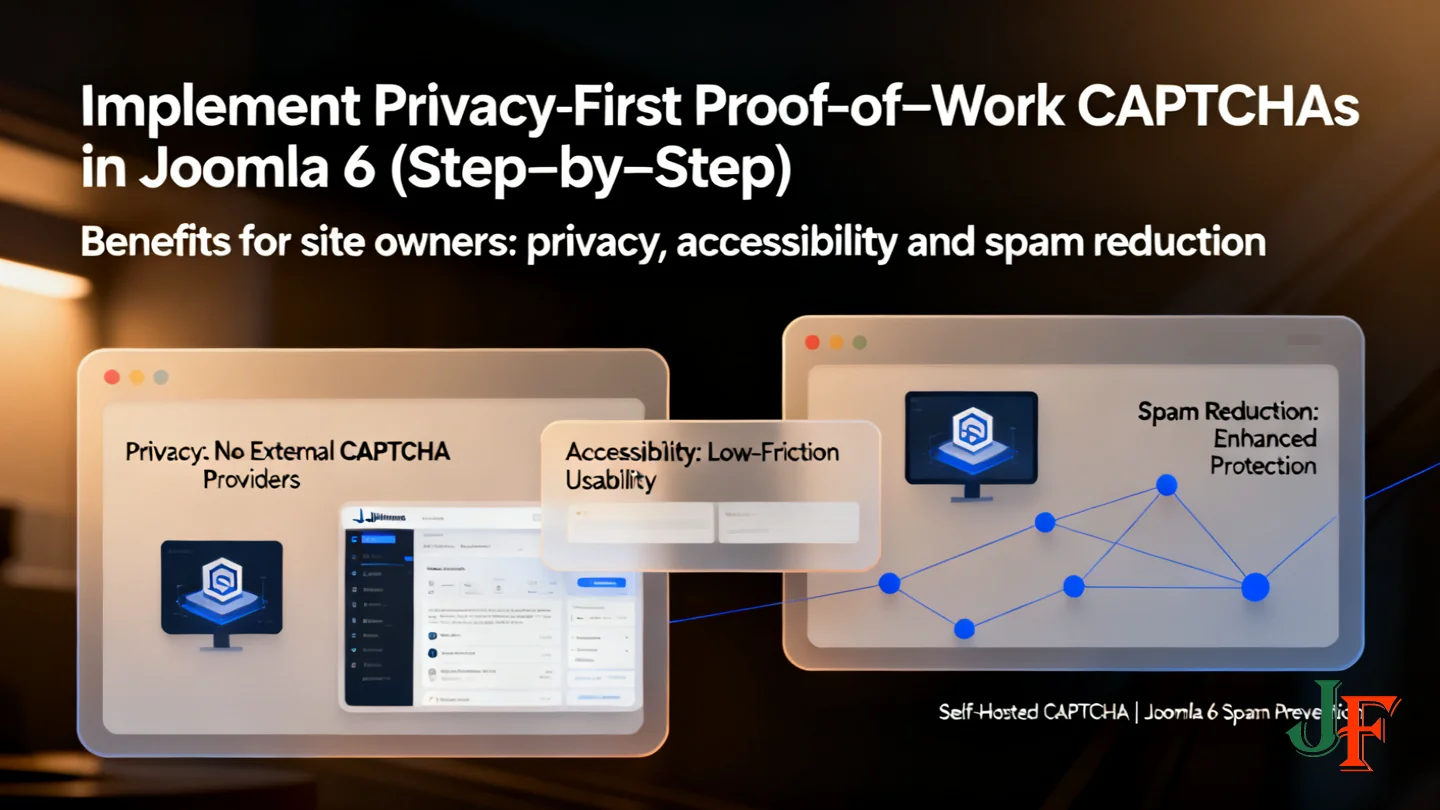
Privacy: Joomla's Proof‑of‑Work CAPTCHA avoids sending form data to external CAPTCHA providers and does not require Google services, reducing third‑party tracking and privacy exposure — a key rationale discussed by the community. Read the magazine discussion.
Accessibility: POW is designed to be low‑friction and often invisible to legitimate users, which can improve usability compared with interactive visual puzzles. However, accessibility considerations remain important — the community article highlights the need to test with assistive technologies and provide alternatives where required.
Effectiveness: POW raises the computational cost for automated bots, making contact‑form and comment spam less likely. It is a strong tool for reducing automated submissions but should be combined with server‑side protections such as rate limiting, moderation and logging for best results.
Performance trade‑offs: POW requires small CPU work on the client side. For low‑powered or older mobile devices this can affect form latency. Mitigation strategies include tuning difficulty, offering a fallback captcha or the ability to disable POW for specific forms, and testing on representative devices before wide rollout.
Recommendation: enable POW on staging, monitor spam and form abandonment, and adjust settings based on real user feedback.
Where to use POW CAPTCHA on your site (practical examples)
Joomla’s built‑in Proof‑of‑Work (POW) CAPTCHA is best used where automated form spam is a problem but you want to avoid third‑party trackers. Below are practical places to consider enabling it; always test on a staging site and monitor user feedback after rollout.
- Contact forms: Good first choice — enable POW, submit several test messages from desktop and mobile, and compare spam rates and form abandonment before/after. Check the official release note for Joomla 6.1 for the feature context. Joomla 6.1 is here!
- Comments and forums: Use POW alongside moderation, post‑approval queues and server‑side rate limits. POW reduces automated posts but does not replace human moderation or reputation controls.
- Registrations and login protections: POW can help deter scripted registrations, but combine it with email verification, throttling and, for sensitive accounts, MFA or additional risk checks.
- High‑traffic or public forms: Watch for increased CPU work on low‑powered devices. Monitor submission rates, form abandonment and error logs; tune difficulty or provide a fallback captcha if you see issues.
Start small, review metrics and user reports, and roll out progressively to avoid unexpected disruption.
How to enable and configure POW CAPTCHA in Joomla 6 (step‑by‑step for site owners)
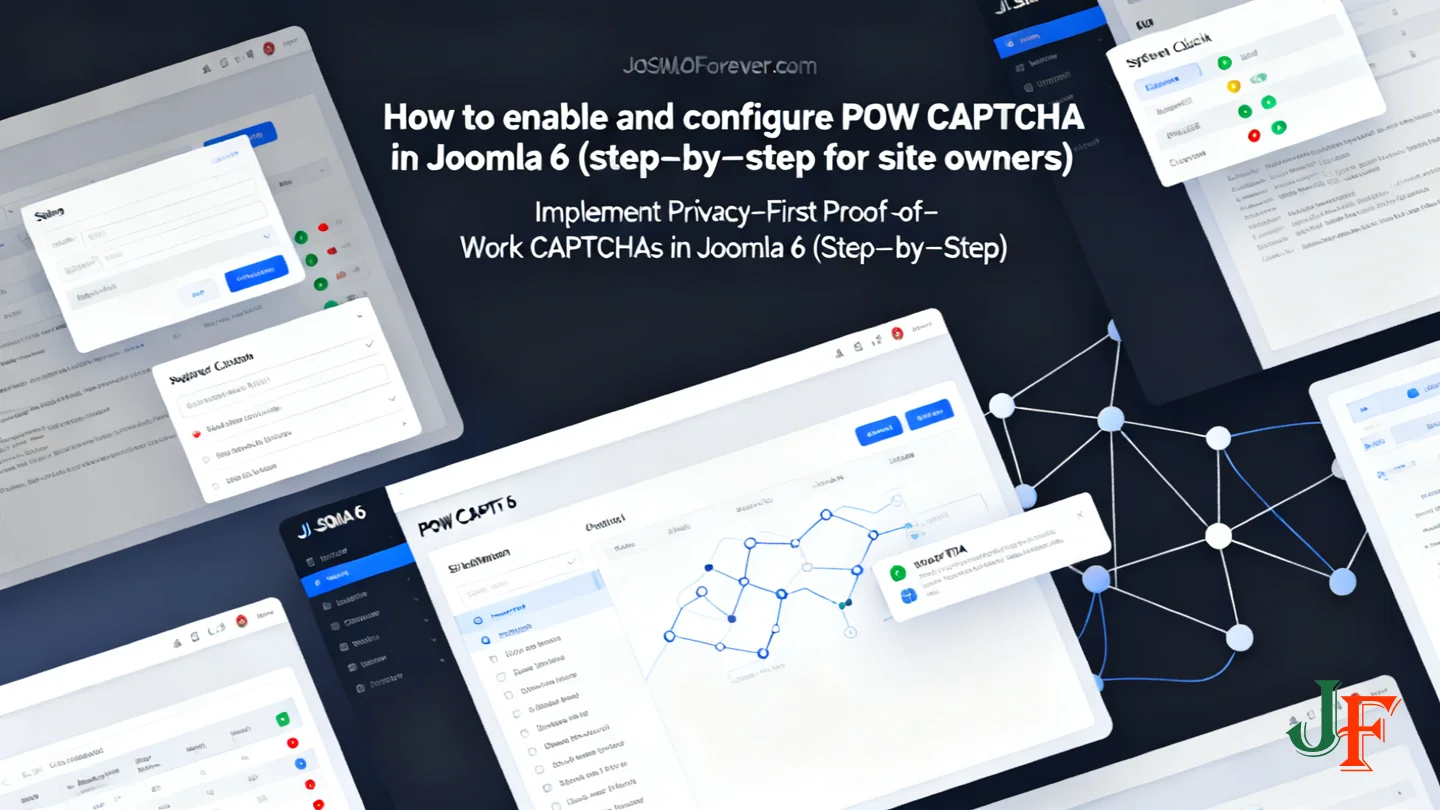
The built‑in Proof‑of‑Work (POW) CAPTCHA is included in Joomla 6.1; check the official release note for confirmation. Before changing production sites, test changes on a staging site and make a backup.
- Find the captcha settings: In the Joomla administrator, look for Captcha or security-related settings (Global Configuration, plugin manager or site settings). Exact menu names can vary by release; consult the Joomla 6.1 release notes and the documentation for forms to locate where captcha plugins or handlers attach.
- Enable POW for a form: Enable the POW CAPTCHA option and assign it to the form(s) you want to protect (for example, contact forms). After enabling, submit several test forms from different devices and browsers to confirm legitimate users are not blocked.
- Test and monitor: Check submission behaviour, Joomla error logs and site feedback. Monitor metrics such as spam submission count and form abandonment rate over a few days to assess impact.
- Adjust difficulty (conceptual): POW works by adding small client CPU work per submission. Joomla may expose a difficulty or rate‑limit parameter; verify exact names in the admin UI or docs before changing. If low‑powered devices struggle, lower difficulty or provide an alternative captcha as a fallback.
- Rollback and mitigations: If issues arise, disable POW in the admin to restore previous behaviour. Temporary measures include enabling an alternative captcha plugin, tightening rate limits, or increasing moderation on submissions.
For integration details and secure form handling see the Joomla front‑end form guide and our internal guide on creating secure Joomla extensions.
Developer notes: adding POW CAPTCHA to extensions and custom forms
Extension authors and technical site owners should treat the built‑in Proof‑of‑Work (POW) CAPTCHA as a standard captcha plugin: it integrates with front‑end forms and validates submissions server‑side. When adding POW support, focus on where captcha checks belong in your extension's request flow and how to fail safely if verification is missing.
Where to integrate
- Use the form field and plugin infrastructure so the POW handler runs as part of form validation rather than ad‑hoc code paths; the Joomla manual explains extension structure and where to attach form handlers and plugins. Build Extensions (Joomla Manual)
- Refer to examples for front‑end forms and validation hooks to see typical integration points rather than inventing new APIs. The MVC component guide is a helpful reference. J3.x: Developing an MVC Component — Adding a front‑end form
Security and robustness
- Always verify POW tokens server‑side before processing or storing submissions; client‑side checks can be bypassed.
- Combine POW with rate limiting, input sanitization, and conservative logging of suspicious activity so you can investigate abuse.
- Design clear fallback behaviour: if POW verification fails or the service is misconfigured, reject or queue submissions and surface a helpful admin message.
Testing and accessibility
- Test on staging across devices and browsers, including low‑powered mobile devices, and measure form abandonment and error rates.
- Perform accessibility checks (screen readers, keyboard navigation) and provide alternative contact paths if needed.
- Consult security‑focused resources on creating secure extensions for broader best practices.
For implementation details and hooks, use the official docs above and our guide on creating secure Joomla extensions as a practical complement.
Alternatives and complementary protections
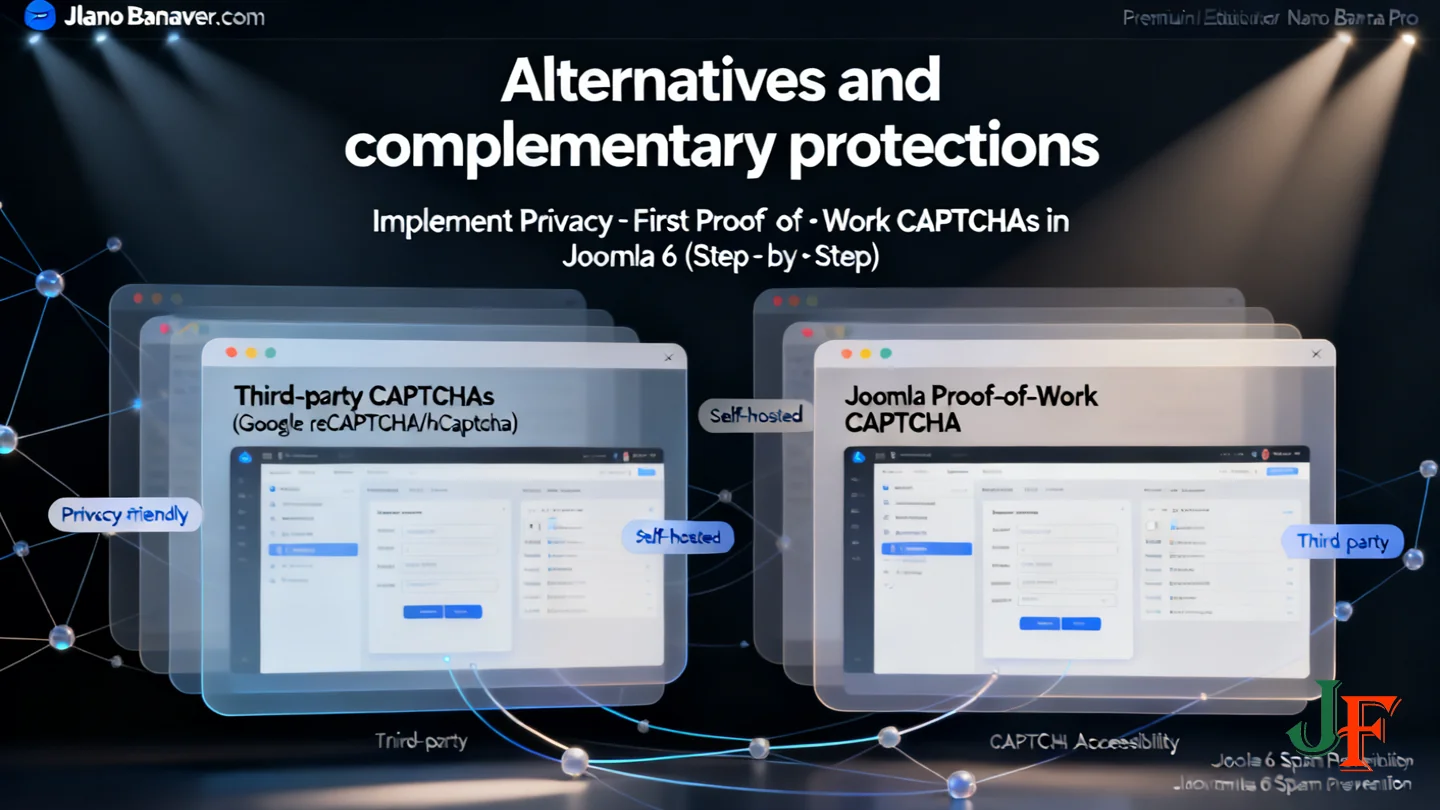
Third‑party captchas such as Google reCAPTCHA or hCaptcha can offer strong bot detection, but they depend on external services and may introduce privacy or accessibility trade‑offs. They may perform better at large‑scale bot detection but involve external data exchange. Joomla’s Proof‑of‑Work can be used as a privacy‑focused alternative or alongside other solutions depending on your site’s priorities.
Look for additional captcha plugins and integrations in the Joomla Extensions Directory to find options that match your privacy, accessibility and accuracy needs.
Complement any captcha with non‑captcha protections: server‑side rate limiting, honeypot form fields, Akismet‑style content‑scanning, and moderation workflows. Layering defenses reduces reliance on one technique and helps catch abuse patterns captchas may miss.
For high‑volume sites consider automating post‑submission handling — quarantine suspicious submissions, notify moderators, or process entries with automation tools (for example, you can integrate n8n with Joomla to triage or forward submissions).
Always test combinations on a staging site, measure spam rates and form abandonment, and adjust settings or provide fallbacks before rolling changes into production.
Security, updates and maintenance
Keep core and captcha plugins up to date. After enabling a new feature such as the Proof‑of‑Work CAPTCHA, install Joomla core security and bugfix releases promptly — but only after testing. Official release and feature pages show the project’s maintenance cadence; for context see the Joomla 6.x features overview and the Joomla 6.1.1 & 5.4.6 Security & Bugfix Release.
Use staging, backups and a rollback plan. Test POW CAPTCHA changes on a staging site that mirrors production, keep recent backups, and document how to disable the captcha or restore a backup if you encounter issues. Monitor announcement channels or security feeds for urgent fixes, and apply patches to production only after verification. These steps reduce downtime and make it simpler to respond to compatibility or accessibility problems discovered after rollout.
Troubleshooting and monitoring (common issues and checks)
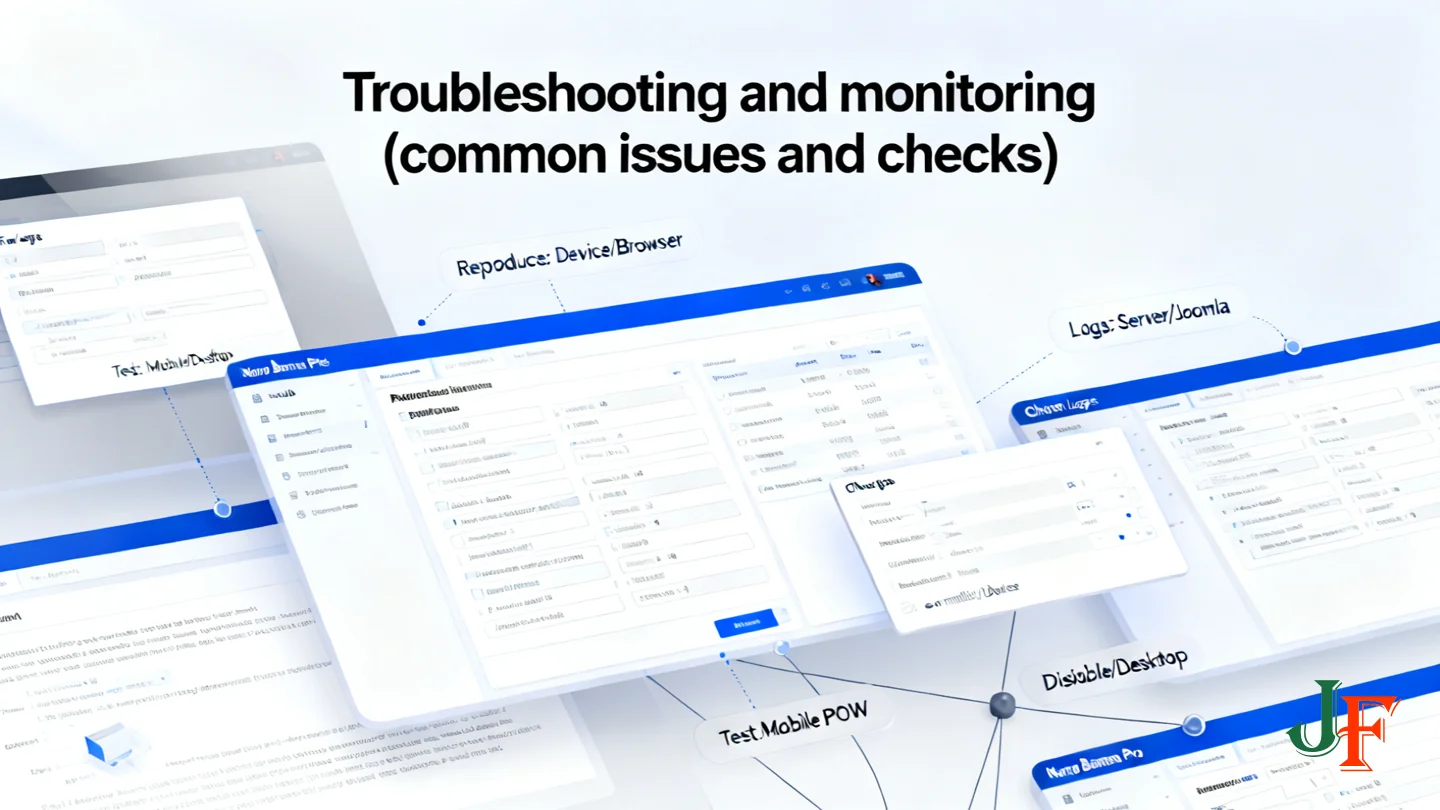
After enabling the Proof‑of‑Work (POW) CAPTCHA you may see issues such as increased complaints from mobile users, false positives that block valid submissions, or failures in custom forms that don't integrate.
Quick checks:
- Reproduce the issue and note device/browser used.
- Check server and Joomla logs for captcha validation or form errors.
- Temporarily disable POW to confirm whether it’s the cause.
- Test on multiple devices and browsers, including mobiles.
- Verify extension compatibility and update or contact the author.
See the developer feature page for implementation notes and expected behaviour.
Monitoring: track spam submissions, form abandonment, error logs and user feedback for several days. If problems persist, adjust POW difficulty (if available) or roll back to an alternative captcha and tighten moderation.
Report reproducible bugs to official Joomla channels and test on a staging site before applying to production.

Add comment