
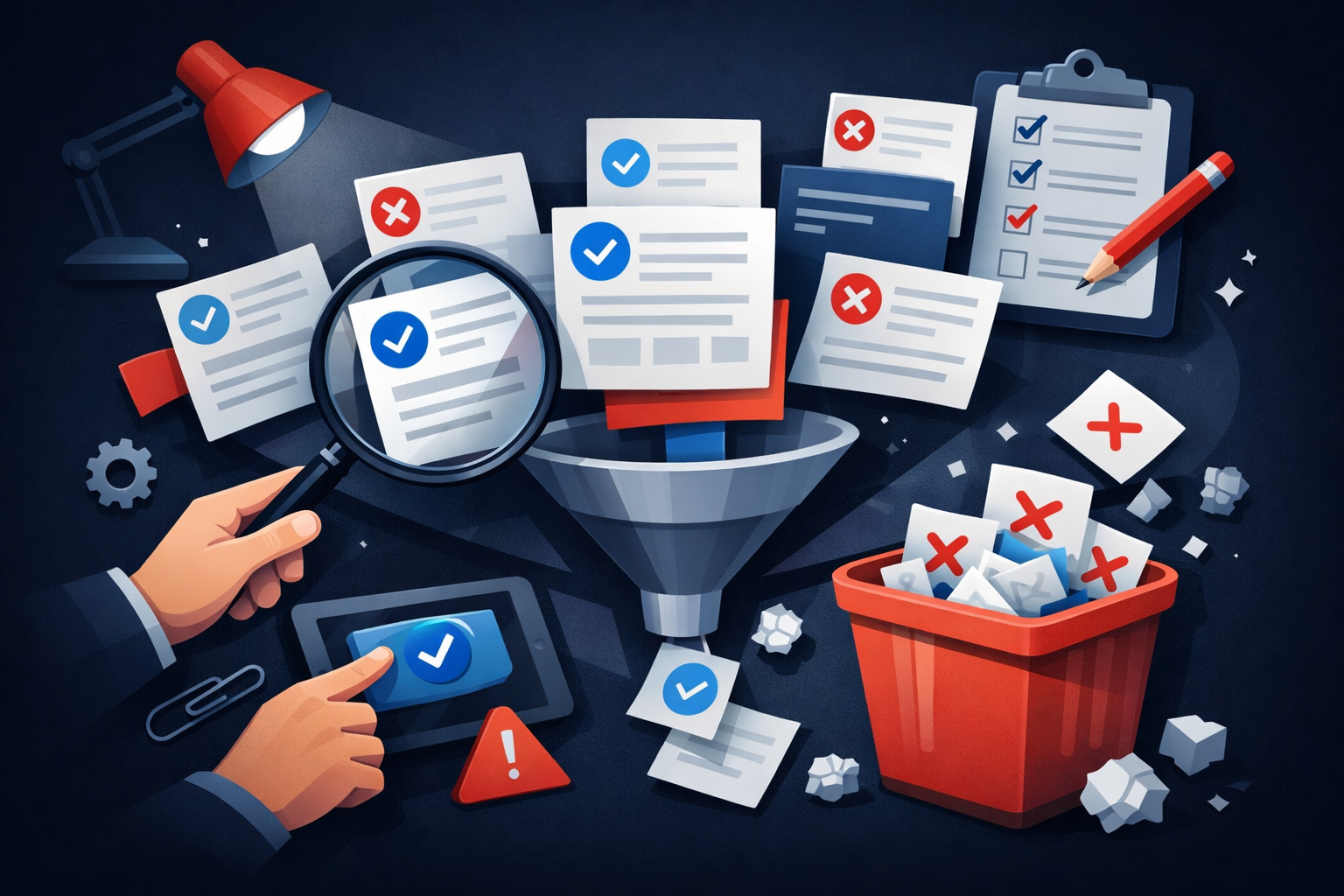
Joomla’s documented article removal process is a two-stage workflow: first, articles are sent to Trash, and then they can be permanently removed from Trash. This tutorial explains that bulk deletion path for a filtered set of articles in the Articles list, using the administrator interface and the built-in toolbar actions. [R1] [R1]
Use Joomla core article Trash/Delete workflow for the filtered set
Supported Joomla branches where the article list and Trash workflow are available; appropriate when you can delete in batches using the built-in toolbar and filters.
Use the core Articles list workflow when you need to remove a group of articles that you can target with filters or current status. Open Content > Articles in the administrator, then use Filter Options to narrow the list to the articles you want to remove. Select the article checkboxes, choose Trash from Actions to move them to Trash, switch the status filter to Trashed, then select the trashed articles and choose Delete to permanently remove them. Joomla’s own guidance describes this as a two-stage process: the first stage sends the article to Trash, and the second stage removes it from Trash. [R1] [R1]
This workflow is appropriate when you want to work with Joomla’s built-in article management tools rather than a separate process. The Trash status acts like a holding area, which means the items are no longer shown in the active Articles list until you filter for Trashed. From there, Delete is the final action that removes the selected articles permanently. [R1] [R1]
Use caution before the final Delete step. Once items are deleted from Trash, they are gone permanently. The source guidance also notes that if you are deciding whether to remove an article entirely, it may be worth considering whether it should instead be kept for future reuse. In this article’s scope, however, the documented bulk-removal path is limited to the Trash/Delete procedure itself. [R1] [R1]
For practical checks, confirm that the selected articles disappear from the active list after Trash, then confirm they appear under the Trashed status filter before you delete them. After you select Delete, verify that the items no longer appear in either the active list or the Trashed view. These checks follow the same documented list and filter flow described in the Joomla tutorial. [R1] [R1]
Editorial caution: because bulk deletion is destructive, it is sensible to use a backup, a rollback plan, and a staging rehearsal before making changes in production. Treat those as precautionary recommendations rather than Joomla requirements, and rely on the administrator’s Trash/Delete workflow as the documented method for the removal itself. [R1] [R1]
Before you begin
- Administrator access.
- A recent backup and a rollback plan.
- A staging rehearsal if deleting many articles.
- The articles can be targeted by current filters or status.
Steps
- Open Content > Articles in the administrator.
- Use Filter Options to narrow to the articles you want to remove.
- Select the article checkboxes.
- Choose Actions > Trash to move them to Trash.
- Switch the status filter to Trashed.
- Select the trashed articles and choose Delete to permanently remove them.
Precautions and editorial safeguards
- This is destructive after the Trash step is emptied; confirm the target set before deleting.
- Verify any article aliases or references that may still matter before permanent deletion.
- Prefer staging first if you are deleting thousands of records.
Verify the result
- Confirm the selected articles disappear from the active list after Trash.
- Confirm the same items appear under the Trashed status filter.
- After Delete, confirm they no longer appear in Trashed or the active list.
This is a manual bulk process, so it may still take several rounds for very large datasets.
In short, Joomla’s article deletion process for a bulk set is to filter the Articles list, send the selected items to Trash, change the status filter to Trashed, and then use Delete to permanently remove the trashed items. The key limitation is that this is a manual, two-stage process, and once deleted from Trash the articles cannot be recovered through that workflow. [R1] [R1]
Scope and limitations
CURRENT guidance. No installation testing was performed. Review version applicability and rehearse on a staging copy before applying changes.

Add comment